Steam Deck Accessories
Steam Deck Accessories: Cases, Shells, and UpgradesProtect, customize, and upgrade your Steam Deck with the best accessories available. From rugged carrying cases and full replacement shells to Hall Effect joystick modules and screen protectors, ModZone carries everything you need to get the most out of your handheld. We stock products from JSAUX, eXtremeRate, GuliKit, Skull & Co, Spigen, and more — all genuine, brand-authorized items.Steam Deck Accessory TypesCategoryBest ForTop BrandsPrice RangeFull Replacement ShellsComplete visual overhauleXtremeRate$13–$47Carrying CasesTravel protectionJSAUX, Skull & Co, Spigen$15–$50Hall Effect Joystick ModulesPermanent drift fixGuliKit$10–$25Screen ProtectorsDisplay protectionJSAUX$8–$15Back PlatesRGB / transparent upgradeJSAUX, eXtremeRate$12–$35LCD vs OLED: Which Accessories Fit Both?The Steam Deck OLED (released November 2023) has a slightly different form factor than the original LCD model. Always check the product listing for compatibility. Most cases and shells are now available in both LCD and OLED versions. GuliKit joystick modules are sold separately for each model.Most Popular Steam Deck UpgradesGuliKit Hall Effect Joystick Module — The single most impactful upgrade. Eliminates stick drift permanently with one-key calibration.JSAUX ModCase with Cooling Fan — Adds active cooling and a protective case in one. Reduces thermal throttling during demanding games.eXtremeRate Full Shell Kit — Complete visual transformation. Available in transparent, atomic purple, and more.Skull & Co GripCase — Ergonomic grip upgrade with interchangeable thumb caps. Ideal for long sessions.Frequently Asked QuestionsWill a replacement shell void my Steam Deck warranty? Opening your Steam Deck may void the Valve warranty. The modification is fully reversible. We recommend checking Valve’s current warranty policy before proceeding.Which carrying case fits both LCD and OLED? The JSAUX Carrying Case and Sling Bag are compatible with both Steam Deck LCD and OLED models, as well as the ROG Ally.How hard is it to replace the Steam Deck shell? Full shell replacement is rated advanced (4 out of 5 difficulty). It requires a T6 Torx screwdriver and approximately 45–60 minutes. We strongly recommend watching a full video guide before starting.
Showing 1–12 of 23 results
-
Steam Deck Accessories
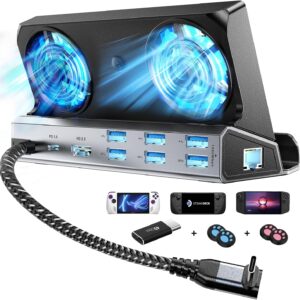
6-in-1 Steam Deck Cooling Dock | 4K 60Hz HDMI & Gigabit
Original price was: $49.99.$39.90Current price is: $39.90. Add to cart -
Steam Deck Accessories
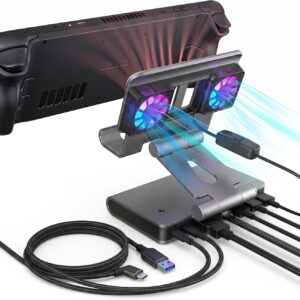
Antank 6-in-1 Steam Deck Dock | 4K 60Hz HDMI & Gigabit LAN
Original price was: $44.00.$39.90Current price is: $39.90. Add to cart -
Steam Deck Accessories
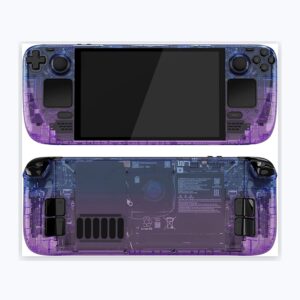
eXtremeRate Clear Atomic Purple Full Shell with Buttons for Steam Deck OLED
Original price was: $32.99.$13.20Current price is: $13.20. Add to cart -
Steam Deck Accessories
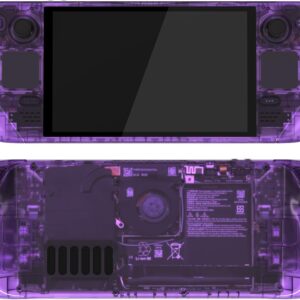
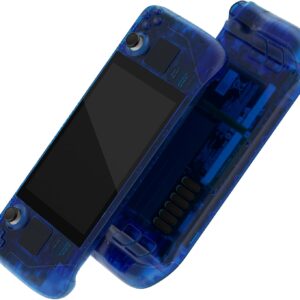
eXtremeRate Clear Blue Custom Full Shell for Steam Deck LCD Console
Original price was: $29.99.$12.00Current price is: $12.00. Add to cart -
Steam Deck Accessories
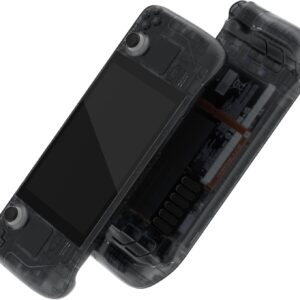
eXtremeRate Clear Slate Black Full Shell for Steam Deck OLED
Original price was: $32.99.$13.20Current price is: $13.20. Add to cart -
Steam Deck Accessories
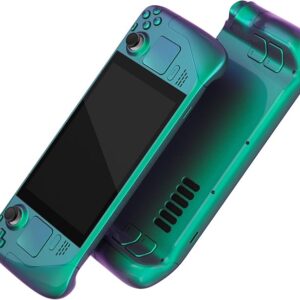
eXtremeRate Full Steam Deck LCD Shell Kit (Chameleon Green Purple)
$55.14 Add to cart -
Steam Deck Accessories
eXtremeRate The Great GOLDEN Wave Black Shell for Steam Deck LCD
Original price was: $34.99.$14.00Current price is: $14.00. Add to cart -
Steam Deck Accessories
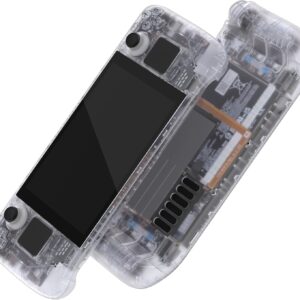
eXtremeRate Transparent Clear Full Shell with Buttons for Steam Deck LCD
Original price was: $29.99.$12.00Current price is: $12.00. Add to cart -
Steam Deck Accessories
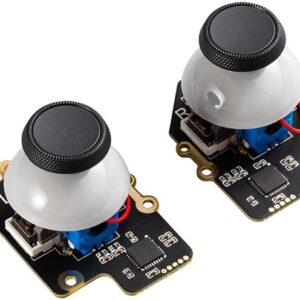
GuliKit Hall Effect Joystick Module for Steam Deck OLED with One-Key Calibration
Original price was: $24.99.$10.00Current price is: $10.00. Add to cart -
Steam Deck Accessories
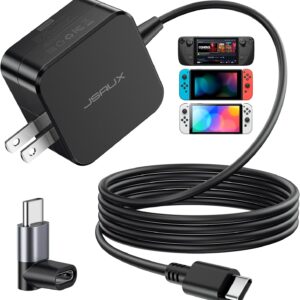
JSAUX 45W Fast Charger for Steam Deck OLED & Switch | 5FT
Original price was: $15.99.$11.99Current price is: $11.99. Add to cart